
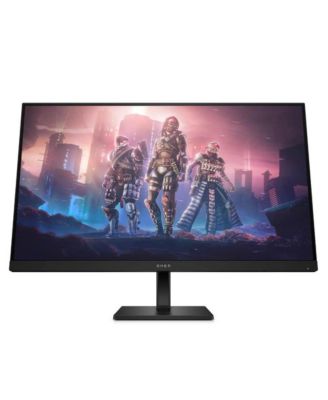
31.5 inch Omen 2K QHD 165Hz Gaming Monitor - Black
Product details
Web ID: 18791008Ratings & Reviews
7 customer images


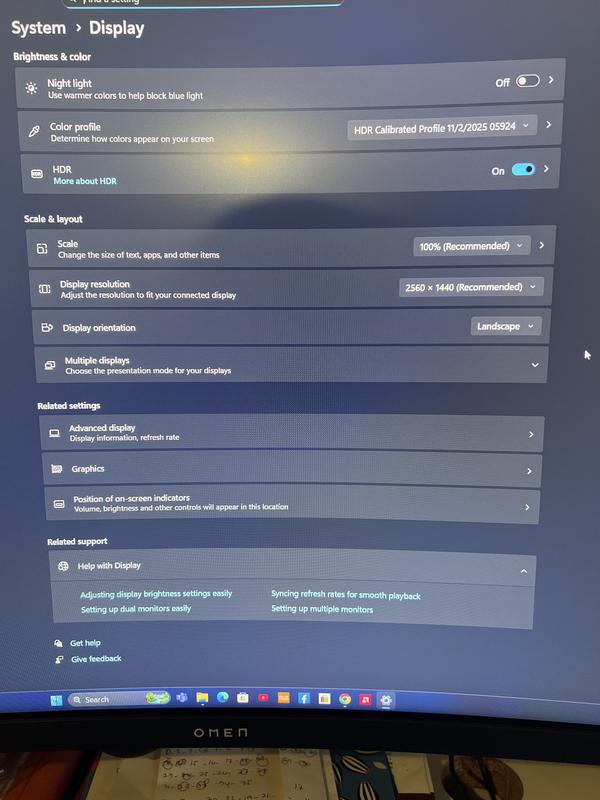
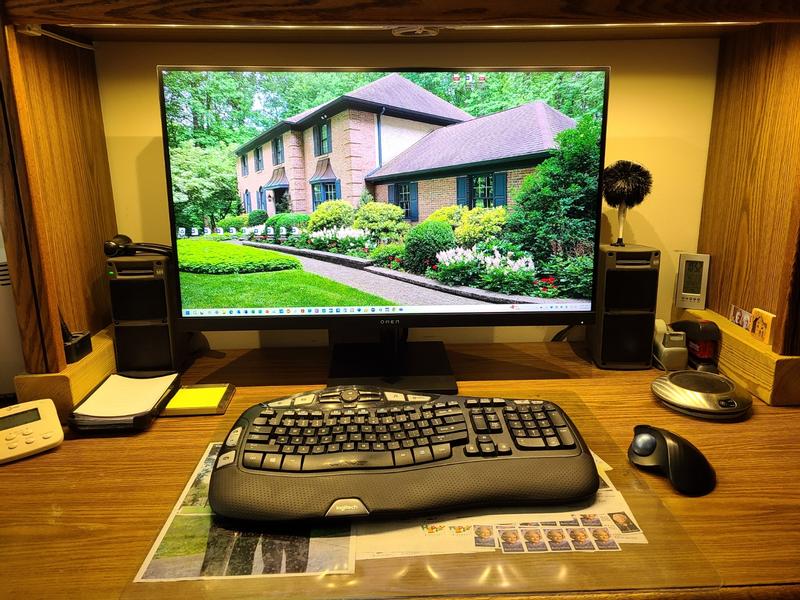
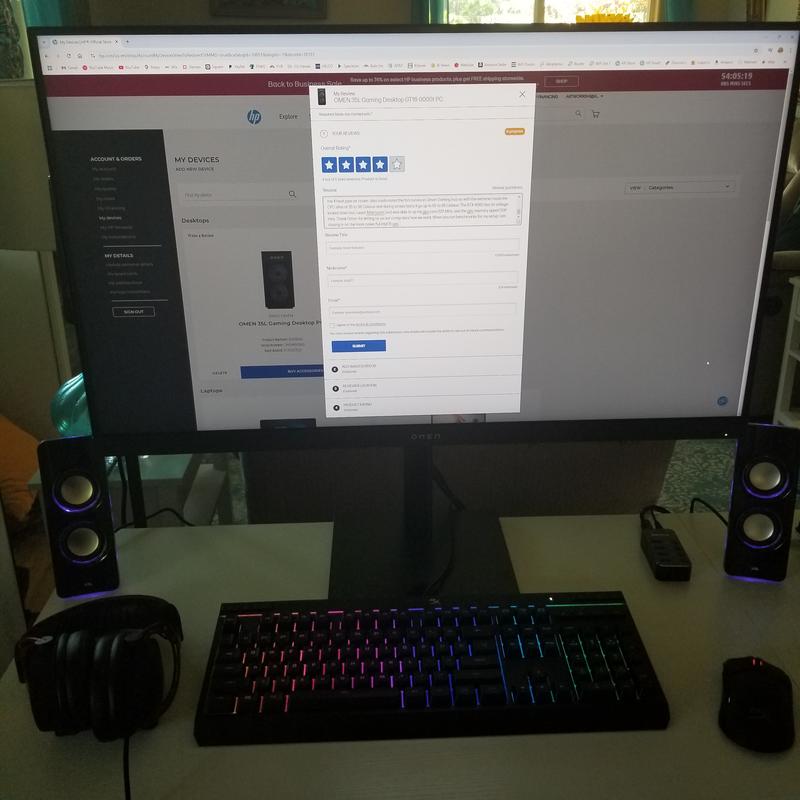
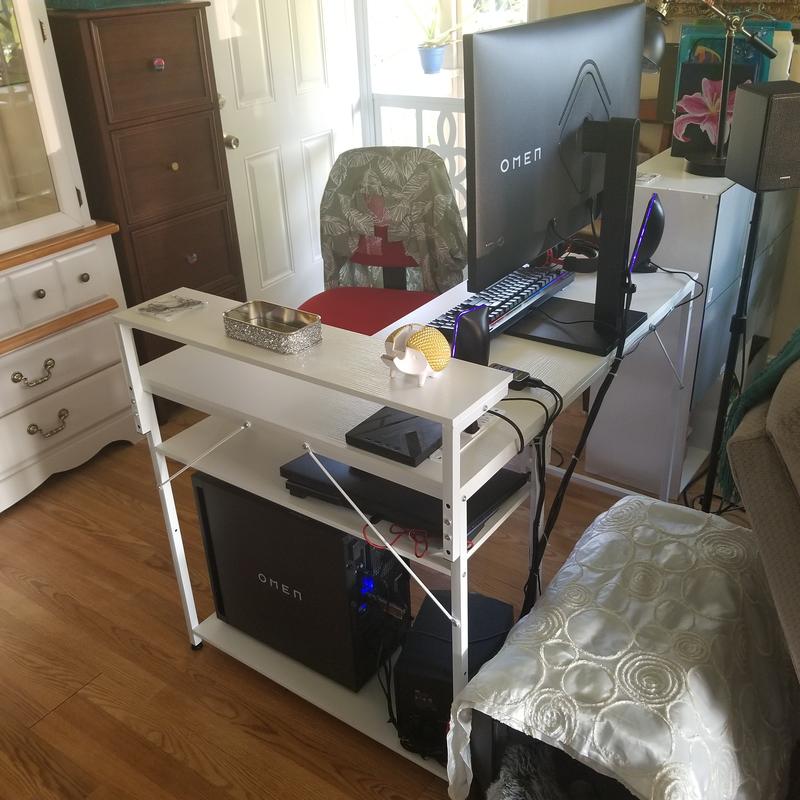
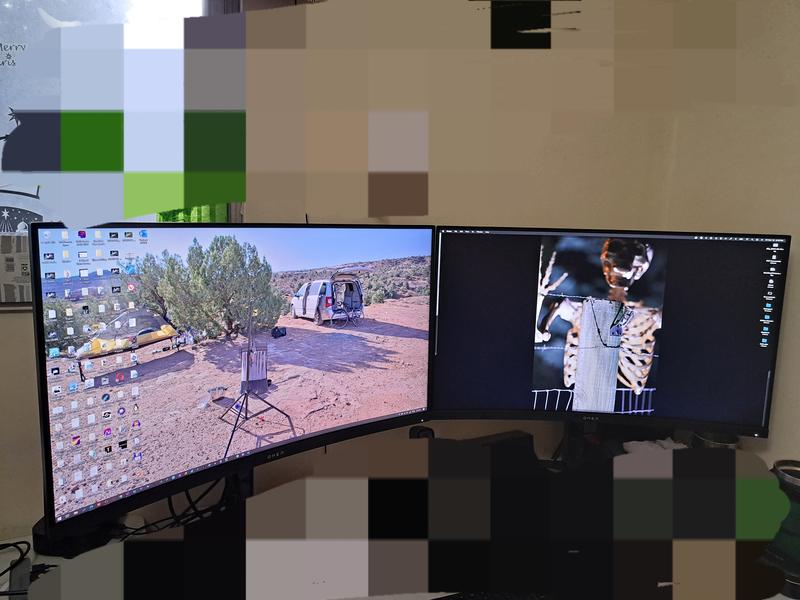
Monitor
Great monitor, way bigger than expected in a good way.
Recommends this product
Customer review from store.hp.com
Great!
Excellent monitor and good value
Recommends this product
Customer review from store.hp.com
Amazing
Incredible monitor. Updating it is a nightmare. Otherwise, dardy as all heck
Recommends this product
Customer review from store.hp.com
Excellent monitor and great value
Excellent monitor and great value
Customer review from store.hp.com
HP Omen 32 C PC Gaming Monitor
Great Quality Monitor
Customer review from store.hp.com
Fantastic screen
Fantastic screen, should have got one ages ago.
Recommends this product
Customer review from store.hp.com
Beautiful monitor with a minor operating quirk
Very happy with new monitor now that I have learned one of its quirks. Unpacking and setup were easy. Monitor performance is as expected - very large and clear. However, monitor has one quirk. When I used my HP desktop and prior HP monitor, I would turn on the surge protector and both the units would be powered. I would then press the button on the desktop to turn it on and the monitor (which was always switched on, waiting for power) would see the signal from the desktop, recognize the computer signal and I could go to work. I assumed the OMEN would work the same way. After I replaced my old HP monitor with the OMEN and turned on the surge protector, the monitor powered up, displayed a large blue block consisting of 4 smaller blue blocks and froze. When I turned on the desktop, the OMEN monitor did not recognize the computer signal. I now do the following: At the end of any work session, I turn off the OMEN using the switch on the back of the unit after shutting down the desktop. The next time I want to use the system, I turn on the power at the surge protector, turn on the desktop and then turn on the OMEN using the switch on the back of the unit. The monitor then "sees" the desktop signal and functions normally. If you have any idea why this is happening, please let me know as I don't believe that this is normal behavior.
Recommends this product
Customer review from hp.com
Great 4K 32" IPS Monitor with a ton of features
I was in the market for a new 32-inch 4K gaming monitor and stumbled on the HP Omen 32x while it was on sale for a great price. After trying a couple of the highest-rated 32-inch 4K OLED monitors available, I realized I wasn’t ready to deal with the constant firmware updates, OLED care routines, risk of burn-in, and especially the high price. I accepted that IPS was a better fit for me for now, but finding a decent 32-inch 4K IPS monitor that didn’t cost as much as a top-of-the-line OLED was nearly impossible. That’s where the Omen 32x fits in perfectly. The Omen 32x has all the essential features you’d want, like G-Sync and FreeSync support, along with a solid 144Hz refresh rate. It also comes loaded with a bunch of extra features that are fun to have, even if you don’t really need them, such as Google TV, the ability to stream content directly from the monitor, and multi-view options. After a couple of months of daily use, I don’t have any real complaints. It took a little tweaking to get the monitor to behave more like a standard monitor instead of a TV, and since it’s so new to the market, there isn’t a lot of information or guides available online yet. Although the monitor is advertised as having Dolby Atmos, the built-in speakers are nothing special, but that’s pretty much expected for a monitor. On the plus side, Google TV works very well and is just as responsive as my Nvidia Shield streaming box. G-Sync works as expected, and while I occasionally notice a tiny bit of jitter during gaming sessions, it’s so minor that it’s hardly noticeable. One thing worth mentioning is that the Omen 32x does have Wi-Fi, despite some confusion online and even HP’s own responses to customer questions suggesting otherwise. I can confirm that Wi-Fi is present and works for the smart features. To sum up, the HP Omen 32x is a good 4K IPS monitor with some cool extra features that you might not need but are nice to have. If you find it on sale, it’s definitely worth picking up.
Recommends this product
Customer review from hp.com