
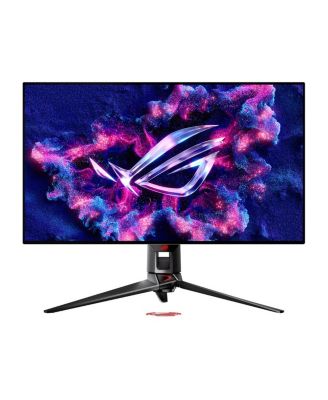

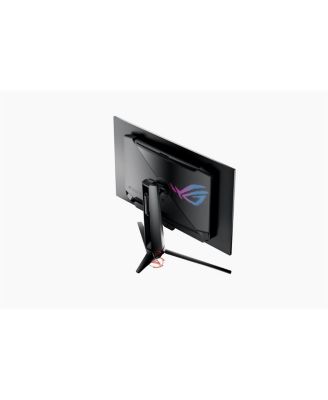
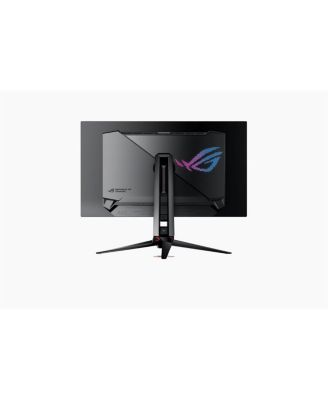
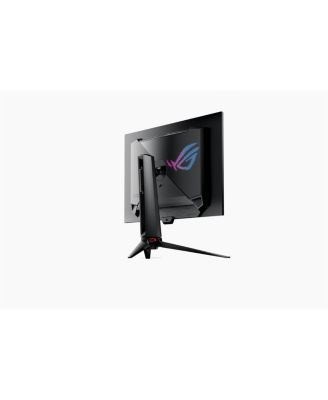
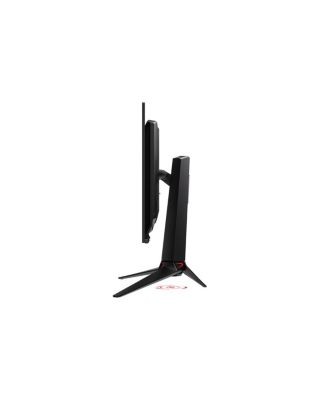
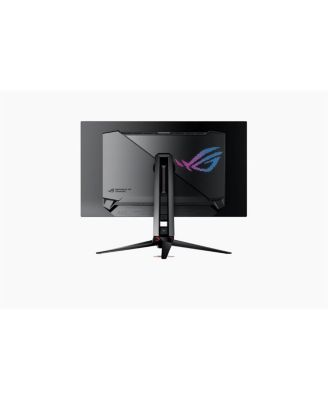
ASUSROG Swift OLED PG32UCDP 31.5" 16:9 Dual Mode 4K UHD 240Hz & Full HD 480Hz WOLED HDR Gaming Monitor, Black
Shipped and sold by Adorama
$1,329.99
Color:Black
111/mo.* suggested payments for 12-months totaling $1,329.99 with Macy's Card.
Product details
Web ID: 2390132837 reviews
Hardtail
2 months ago from NY
240/480 hz is superb for gaming
Remarkable Monitor. High resolution 4K and colors are fantastic. 480 hz refresh rate is an incredible bonus. I find I game at 1080P 480hz most often and get 300-350 frames a second 😮👍 on my brand new high end build.
Customer review from https://www.asus.com
Willinium22
2 months ago from Florida
I dare
Best monitor I have purchased. Excellent display with unmatched clarity and exact fps count every time.
Customer review from https://www.asus.com
Josh M.
2 months ago from Burlington, WI
ASUS IS ROCK SOLID!
From a quality and performance standpoint, the ASUS ROG Swift PG32UCDP delivers an elite experience. Image quality is among the best available in gaming monitors, and performance—especially with the dual-refresh-rate capability—is cutting-edge. It excels in fast-paced competitive games while still offering a stunning cinematic experience for single-player and content consumption.
Customer review from https://www.asus.com
gavin123
3 months ago from New York, NY
Amazing, But..
This monitor is great, very high quality materials and display is amazing with colors, response time, and refresh rate. However, when it arrived and I had put it on its stand, the display came with a tilt which no one has given me a response on how to fix because it doesn’t rotate that way.
Customer review from https://www.asus.com
External reviewer
3 months agoAsus PG32UCDP
This is the best monitor I have ever owned. The colors pop and the image is clear. With the super fast response time in 4k, everything looks amazing. I would highly recommend picking one up!
Customer review from https://www.asus.com
Chris D 72
3 months ago from Alabama
Great OLED Monitor
Coming from a 8 year old ASUS Strix monitor the PG32UDCP is a huge improvement in picture quality and gaming. I truly love this monitor and highly recommend to anyone. I’ve had extremely great luck with ASUS monitors.
Customer review from https://www.asus.com
External reviewer
3 months agoAmazing
The Reason for Four Stars: Clarity and Peak Brightness While the image quality is stellar, the only reason I held back the final star comes down to my specific expectations for clarity and brightness. Coming from a background with some of the best non-OLED displays, the PG32UCDP's peak brightness, while entirely adequate for SDR content and HDR highlights, felt slightly reserved in comparison. In a brightly lit room, it doesn't quite have the same "pop" or sustained, all-screen luminance that I had hoped for. Similarly, while the clarity and sharpness from the 4K resolution are excellent, they didn't quite deliver the noticeable next-level visual leap I was anticipating, especially with fine text rendering. It’s certainly sharp, but just shy of mind-blowing.
Customer review from https://www.asus.com
monitor gamer 4k
the best monitor 2025 for gamer in 4k oled hight standar
Customer review from https://www.asus.com