
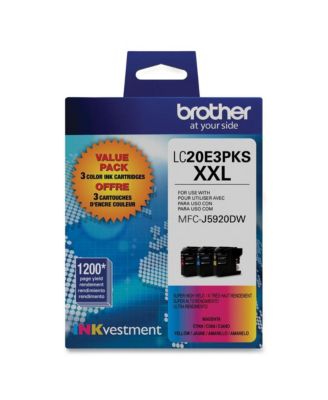
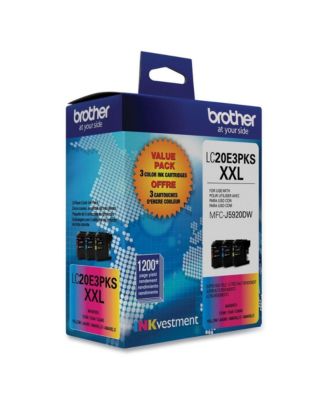
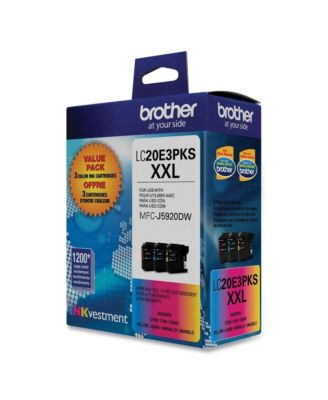
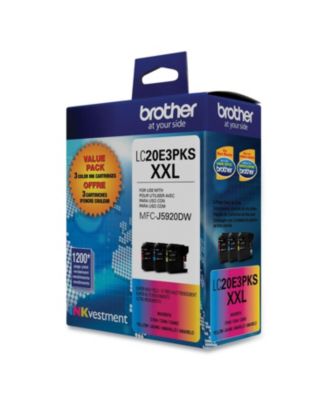
BrotherLC20E3PKS 1,200 Page-Yield Super High-Yield Ink - Cyan/Magenta/Yellow (3/Pack)
Shipped and sold by Essendant Co
$52.20
Color:Cyan; magenta; yellow
Offers & perks
6-month financing with Macy's Card.
Product details
Web ID: 252756783 reviews
Officeguy3000
2 years agoDisappointed With Output
I switched from HP printers to Brother for two reasons: 1. Ink cost vs pages was insane and 2. wouldn't print in B&W when even one color ran out. I researched and found this printer which addressed those two items. Trouble being that I'm not getting nearly the stated pages of 1,200, more like 150 before one color runs out. I mostly print in B&W too, so it's frustrating, and especially when I can't print in greyscale when a color is out, jut like the HPs. Is it burning ink in standby?? NOT what I had expected.
Customer review from brother-usa.com
Response from brother-usa.com
Brother Customer Service2 years ago
We understand your Brother LC20E3PKS cartridge did not last long. We'd like to help. The stated page yields for genuine Brother cartridges are based on the ISO testing standards. The number of pages that can be printed with a cartridge is affected by several factors, including paper size, number of pages per print job, amount of print on each page, font size, and print content (graphics, charts, etc.). Print jobs with large text fonts, graphics, charts, and/or large amount of solid coverage (black or any given color) will use much more ink and will shorten the life of the ink cartridge. Another factor that will affect your color ink consumption is the cleaning cycle of the machine. The machine is designed to automatically flush and clean all of the ink jet nozzles on a programmed schedule. During the cleaning process, the machine draws out a small amount of ink to remove air bubbles from the cartridge and to remove dust and dried ink from the ink nozzles and channels. This not only ensures premium print quality but also ensures the life of the print head. Because of the ink jet technology, this process is common to all ink jet machines. If you have any questions about your Brother Genuine cartridge, please contact Brother customer service: https://www.brother-usa.com/brother-support
CM111
3 years agoUpdated installation
Easy install of the ink cartridge. No more messing with a lever.
Customer review from brother-usa.com
Color Printing
Black print is fine, but printing in color streaks. I have cleaned the printer heads several times. I purchased Brother ink cartridges.
Customer review from brother-usa.com
Response from brother-usa.com
Thanks for taking the time to review your experience with the Brother LC20E3PKS Inks. We appreciate your feedback. I’m sorry to hear that you are having print quality issues with your Brother printer. I sincerely apologize for any inconvenience this issue may have caused you. We’d like an opportunity to help. Please contact us directly at: https://www.brother-usa.com/support