
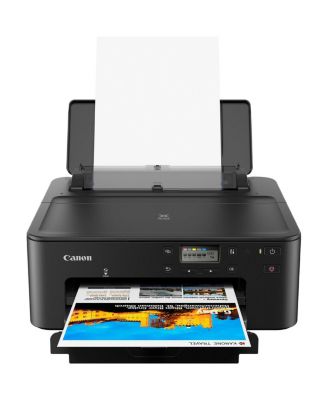
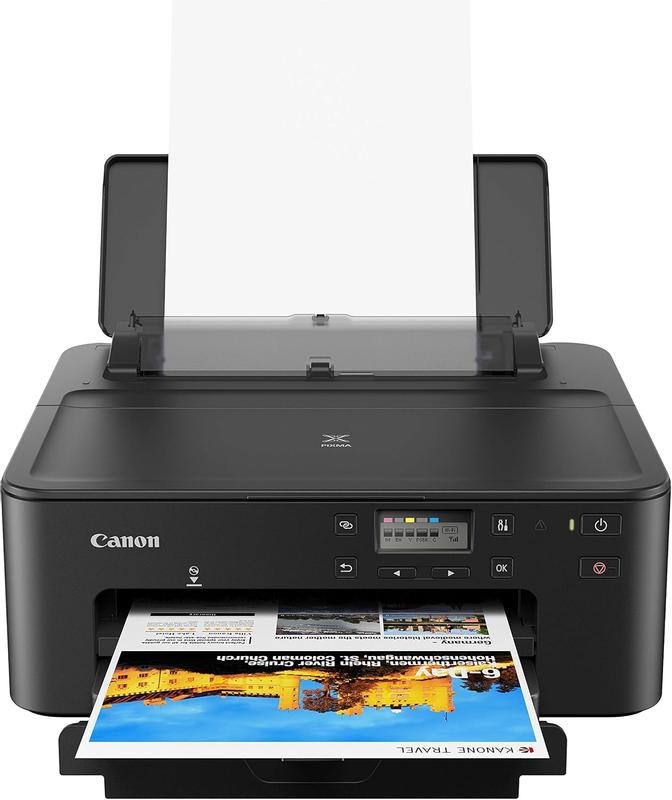
PIXMA TS702a Compact Wireless Inkjet Printer
Product details
Web ID: 24227389Ratings & Reviews
9 customer images
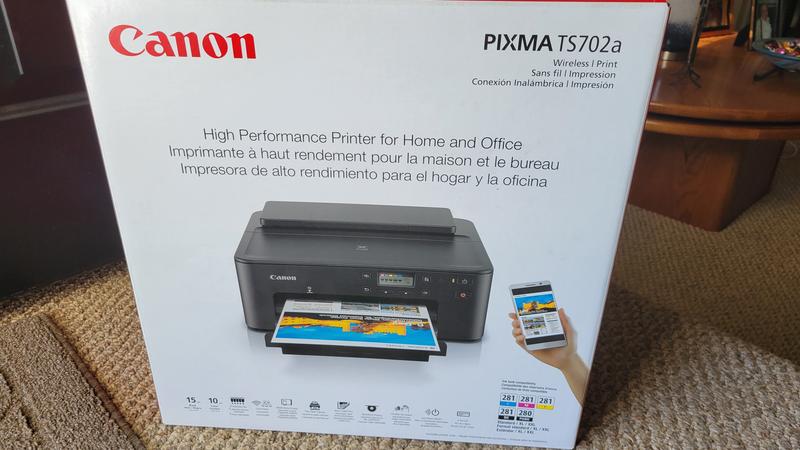
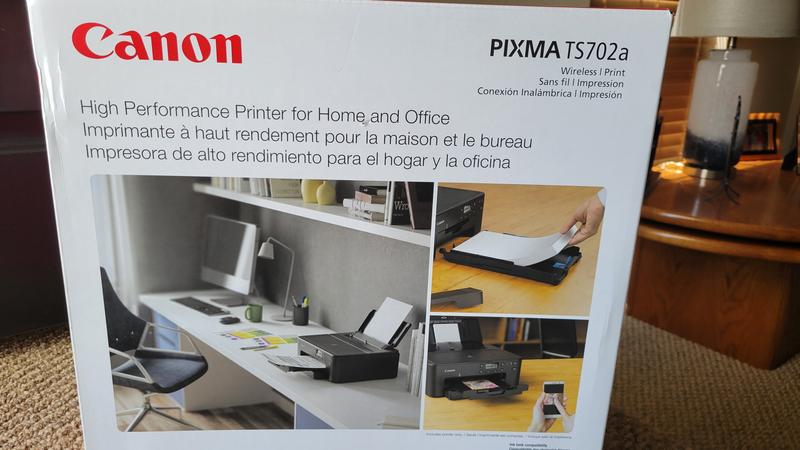
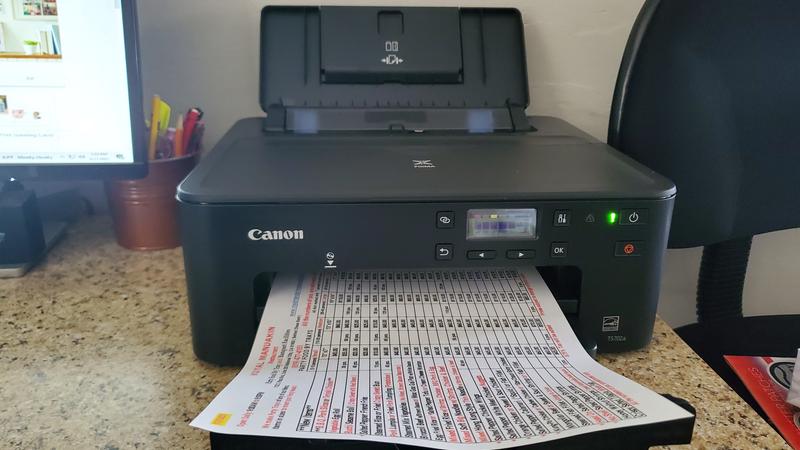
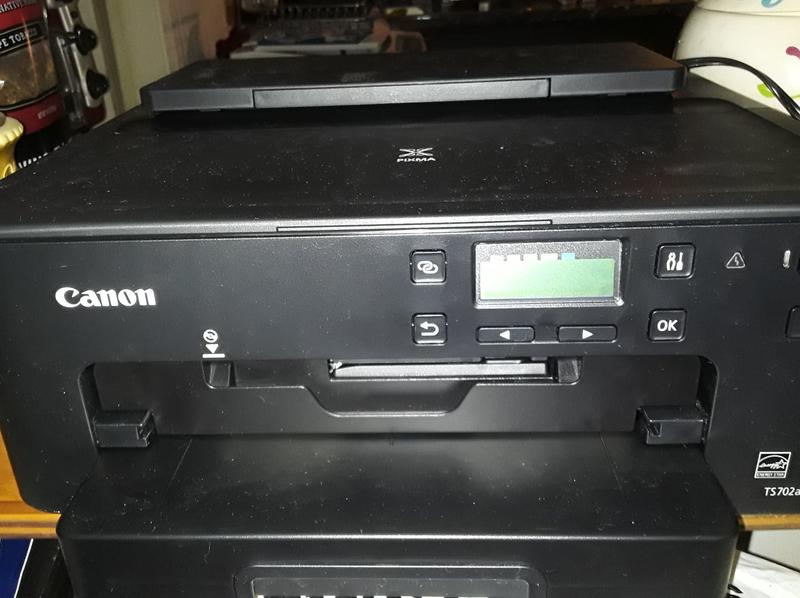
didnt receive
i didn’t receive my order and has been waiting for a month
TS702(a) is a reissue of the same TS702 I owned
I really like the TS702 because it does a very nice job printing two sided prints with decent color. It also does a fine job printing on printable CD(DVD)s. For the five years I owned it the only problem I ever had with it was an occasional wireless communication problem which I was always able to eventually figure out. Finally, following a single paper jam it started issuing an error code that could not be resolved even with a meticulous partial disassembly and cleaning. I liked it enough that I bought the same model (which now has an "a" at the end) through Canon's generous upgrade program.
Recommends this product
Customer review from canon.com
No review because it wasn't what I wanted.
It didn't have the copy maker which I had for a few days. And got the TR7820 which great.
Customer review from canon.com
Worthless -- a waste of plastic, ink, and circuits.
Worst printer ever. Purchased this for the CD/DVD print feature and before I have even used it I can tell it's a piece of worthless plastic and circuits. For one thing, Canon's proprietary design software is substandard compared to the software Brand E makes. Canon's software offers limited templates and what it offers are not customizable. One cannot even purchase third party software to use with this crappy printer because the model is not recognized by any of the third major third party software makers. One of them offers variations based on the type of CD/DVD tray used -- but Canon designers are too lazy to provide even that little bit of information as to which tray is used. From now on I will stick with Brand E. Yeah, Brand E printers can be a little wonky, but they are better than anything Canon has to offer.
Customer review from canon.com
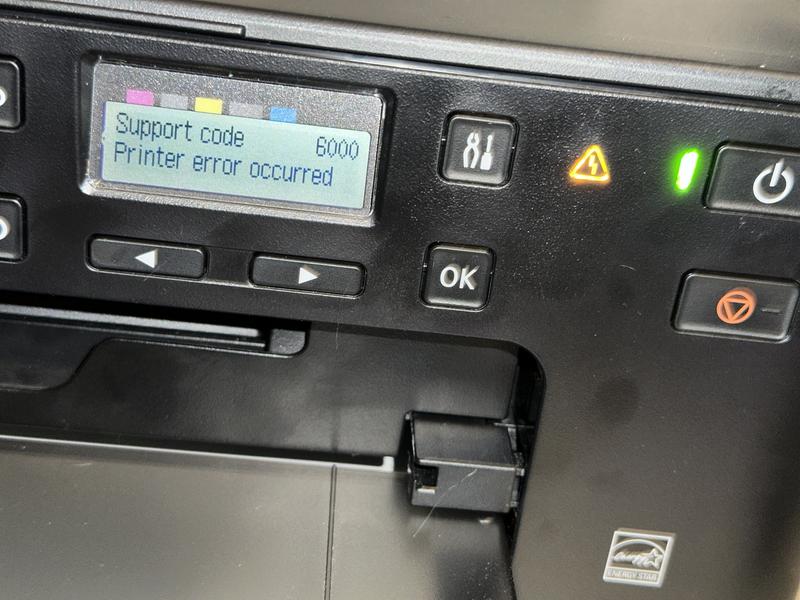
Canon TS-702a Printer: Persistent Paper Jam Error 6000
I recently bought a new TS-702a printer, and after printing about 20 pages, the paper got jammed. The screen displayed "Support Code 6000," indicating a paper jam. I followed the instructions on Canon's website, but the printer's light kept flashing, indicating that it still needed the jammed paper removed, even though there was none. Now, according to Canon's instructions, I have to get it repaired.
Customer review from canon.com
Good printer
Good printer for printing any quality materials. I really like this product
Recommends this product
Customer review from canon.com
Excellent printer
This printer I bought as a replacement for my i860 and my iP4200 which I had to retire because I could not get INK anymore. It has never let me down and I print a lot. So far, since May 2020, I have printed over 3000 pictures and uncounted amount of documents, not to forget 100's of CDs/DVDs.
Recommends this product
Customer review from canon.com
Like/dislike
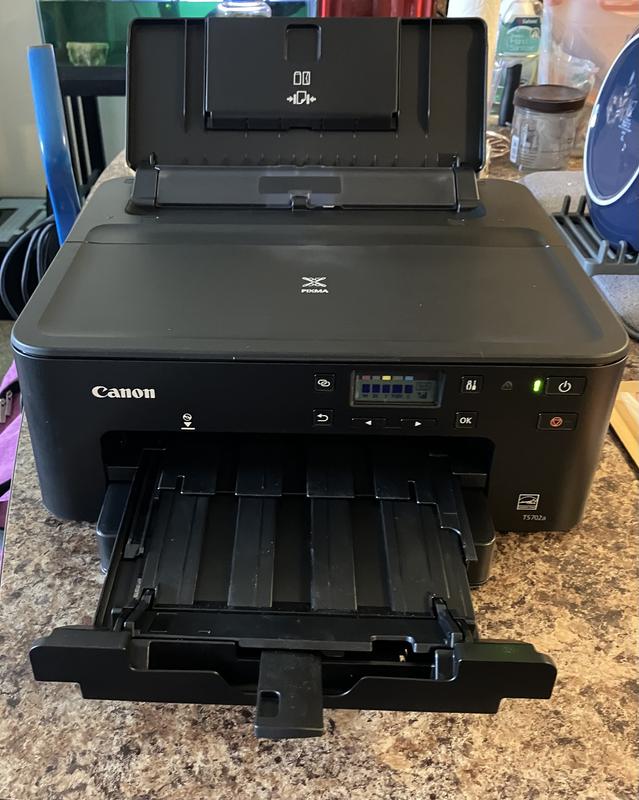
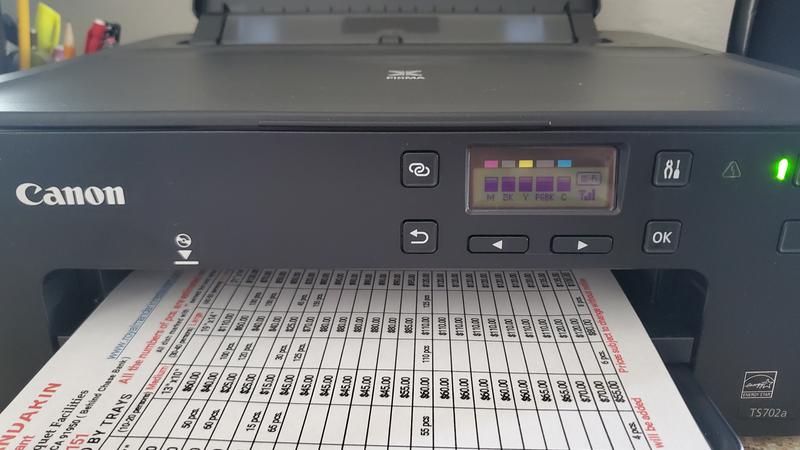
So far it has printed and operated well. But I need a flashlight to see the display at a 90 degree angle. I have not tried to copy yet wondering by just observing how I will copy a single page attached to a magazine
Customer review from canon.com