
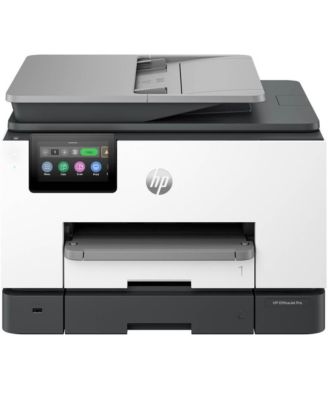

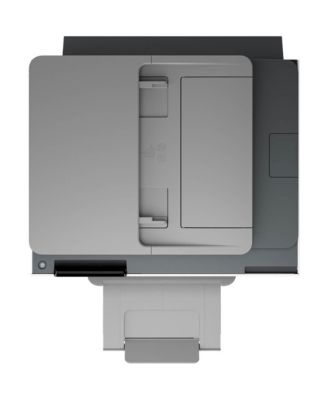
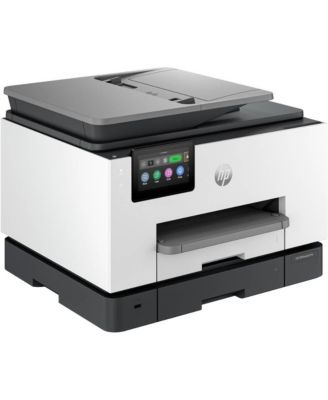
HPOfficeJet Pro 9135e Wireless All-In-One Inkjet Printer
Shipped and sold by Offer Express
$320.95
Low Stock
Offers & perks
54/mo.* suggested payments for 6-months totaling $320.95 with Macy's Card.
Product details
Web ID: 20511645177 reviews
External reviewer
23 days agoHP OfficeJet Pro 9135e Review
I am loving this new HP OfficeJet Pro 9135e. The setup process was so easy.
Recommends this product
Customer review from hp.com
Ellieweed
23 days ago from Arkansas
Printer
I love this printer!! It prints beautifully and copies great!!
Recommends this product
Customer review from hp.com
Palmer414
2 months ago from Altoona, WI
A new workhorse.
My previous HP laser printer lasted more than 10 years. It was a dependable technological workhorse, and I demanded a great deal from it: bulk printing, envelope printing, document scanning, color photo printing. It did it all. The choice of an inevitable replacement was obvious: a new HP laser jet. It hums. It’s fast. And I expect it to last at least 10 years.
Recommends this product
Customer review from hp.com
Sustevo
2 months ago from Perth
Printer
Im finding my priduct good havent used it much so far
Recommends this product
Customer review from store.hp.com
External reviewer
2 months agoVery happy!
I was never really happy with my old printer in the 9010 series because it was just flimsy and after five years it wore out. I love this new printer and it’s able to do the volume and speed and double siding that I need.
Recommends this product
Customer review from hp.com
BBlo
2 months agoSo far it’s been pretty great.
I used the QR code for the startup. Everything worked fine.The first several Prints are beautiful! I think this was a great upgrade.
Recommends this product
Customer review from hp.com
Laura CK
3 months agoNot worth the trouble
Printer kept freezing during set up. Tried all troubleshoot options before packing it back up to return it.
Customer review from hp.com
Good Printer
Simple to set up, quick to use. For a domestic printer, fine.
Customer review from store.hp.com