
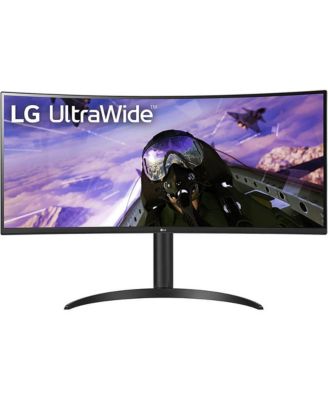
Good VA Minitor
Fantastic monitor for gaming honestly. I had my doubts given its a VA panel but mine has been flawless.
Recommends this product
Customer review from lg.com
Very happy with my LG 34G600A-B.AAU
This monitor is great for immersive gaming and the 34" makes working with multiple windows a breeze.
Recommends this product
Customer review from lg.com
Recommend it
Just got this 34-inch LCD monitor and I’m really happy with it. The display is clear and colors are vibrant. Perfect for work and entertainment!
Recommends this product
Customer review from lg.com
Excellent versatile monitor for work and gaming
Excellent versatile monitor for work and game. The angle of curvature works for me. Though this misses USB C connectivity but its fine for me. Also the monitor operates at 50hz for HDMI for higher refresh rate you need DisplayPort connection.
Customer review from lg.com
LG Widescreen Monitor 34 inch
Nice, crisp and bright monitor. Real value for money with this kind of performance
Recommends this product
Customer review from lg.com
Not OLED
The black levels are not ike an OLED panel. I believe the panel used are IPS.
Customer review from lg.com/ca
Not an OLED panel
The black levels are not good. I still see individual pixels turn off on black screen on my old LG OLED A1 TV purchased 4 years ago. It's night and day difference. I highly doubt this monitor has an OLED panel.
Customer review from lg.com/ca
Response from lg.com/ca
Hi there! Thank you for your valuable feedback regarding the LG 34G600A-B monitor. Please note that this model features an LCD panel, which differs from the OLED technology used in your LG A1 TV. As a result, differences in black levels and pixel behavior are expected. We appreciate your understanding and are here to assist you with any questions or support you may require.
Great system
It's a great all-round screen for gaming working with things like Blender.
Recommends this product
Customer review from lg.com