
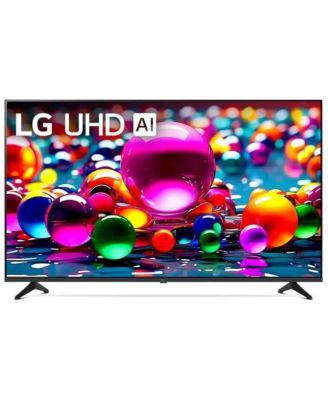
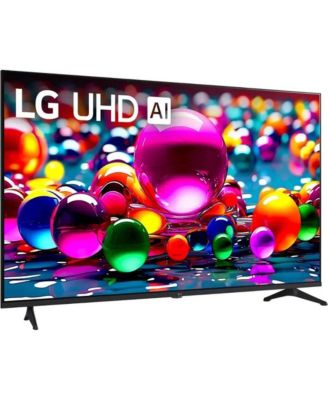
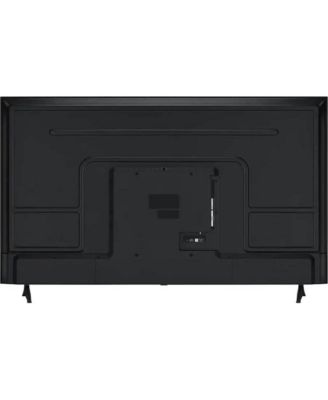
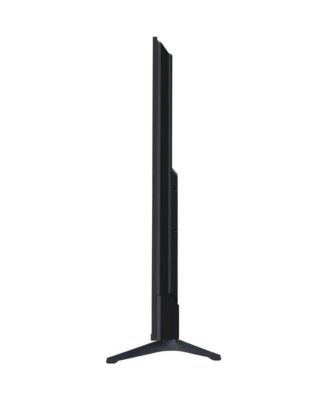
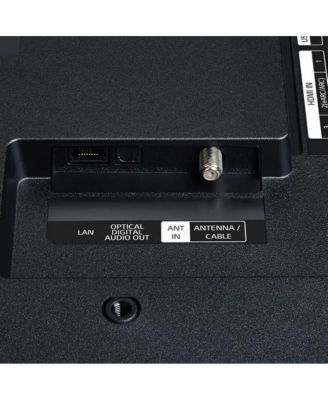
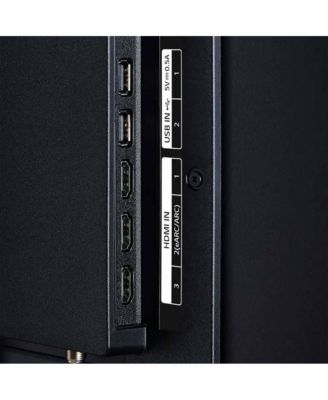
LG65" LED 4K Smart TV
Shipped and sold by Offer Express
$676.99
Color:Black
Size:65 inches
Offers & perks
57/mo.* suggested payments for 12-months totaling $676.99 with Macy's Card.
Product details
Web ID: 2365110117 reviews
Reither
1 month agoAverage
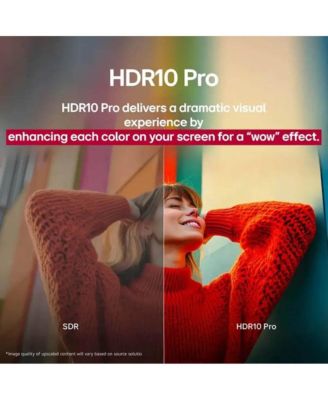
Poor color and no real way to adjust the color. Red is way over done and using their ways of adjusting do not work well.
Customer review from lg.com
Response from lg.com
LG1 month ago
Hi. Thank you for sharing your experience with your LG TV. We appreciate you taking the time to highlight the color challenges you’re seeing, especially with the red tones and the adjustment options not giving you the results you expect. LG TVs do offer several picture modes and advanced color controls, and you may find the guidance on our official support page helpful for fine‑tuning your settings: https://www.lg.com/us/support/help-library/lg-tv-the-best-picture-settings-for-your-lg-tv--20150577528034. To allow us to properly investigate the details of your specific product model and to see if there is anything we can do to assist with this color‑related issue being encountered, please send us an email at lgdigitalcare@lg.sprinklrsupport.com if you need further assistance. You can also refer to the helpful link above for additional support. ^James
Reither
2 months agoInconsistent
Picture is inconsistent and if poor color quality with no real process if improvement
Customer review from lg.com
Response from lg.com
LG2 months ago
Hi. Thank you for sharing your experience with your LG TV. The way you described the inconsistent picture quality and color performance gives us a clear sense of what you’re seeing on your screen, and we appreciate you taking the time to point it out. To allow us to properly investigate the details of your specific product model and to see if there is anything we can do to assist with this picture‑quality and color‑adjustment issue being encountered, please send us an email at lgdigitalcare@lg.sprinklrsupport.com if you need further assistance. You can also refer to this helpful link for picture and color optimization steps: https://www.lg.com/us/support/help-library/lg-tv-picture-quality-and-optimization--20152175493545 ^James
Blaireo
2 months ago7700 LG TV Offers Great Viewing
Terrific high quality picture, and the ability to use a remote on your phone via the LG ThinQ app is awesome! 👏 Great value!
Customer review from lg.com/ca
Response from lg.com/ca
LG CareQ2 months ago
Thank you for the wonderful feedback! We are so happy to hear that you enjoy the great features of the LG TV. We appreciate you taking LG products to your home. You have a wonderful day!
Steven Bx
3 months ago from Indiana
Very nice picture. Very nice price
Best for the price compared to Samsung Visio etc etc. very nice picture Period. If you have to have the best then add $1000 to the price
Customer review from lg.com
Response from lg.com
LG Digital Care Team13 days ago
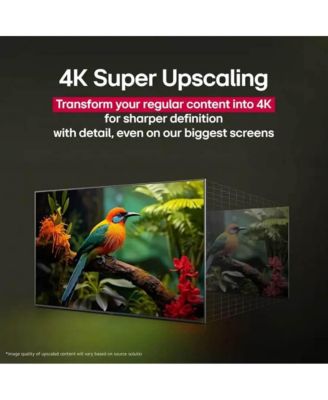
Hi Steven, thank you for taking a moment to share your thoughts on the 65 Inch Class LG UHD AI UA77 4K Smart TV 2025, model 65UA7700PUB. We appreciate hearing how much you’re enjoying the picture quality and overall value. This series is built to deliver sharp 4K clarity with AI‑powered enhancements, and it’s great to know it stands out among other brands for you. We’re glad it’s meeting your expectations so well. If you need further assistance, feel free to email lgdigitalcare@lg.sprinklrsupport.com. ^Rich #LifesGood ❤️
KD JOHNSON
4 months agoOK BUT
BIG PROBLEM I NEED TV THAT SITS ON TABLE THE LEGS ARE TOO FAR APART WHY LG DOES NOT MAKE TV STAND IN MIDDLE OF TV VS LEGS ON SIDES HAD TO RETURN
Customer review from lg.com
Response from lg.com
LG4 months ago
Hello. Thank you for sharing your experience with your LG TV. We understand how important it is for a TV to fit your setup, and wide-set legs can be limiting when placing the unit on narrower furniture. While many LG TVs are designed with side-positioned legs for stability and style, select models do offer center-mounted stands or are compatible with third-party pedestal bases and wall mounts. For reference, you can explore LG TV specifications and stand options here: https://www.lg.com/us/tvs. To allow us to properly investigate the details of your specific product model and to see if there is anything we can do to assist with this TV stand configuration issue being encountered, please send us an email at lgdigitalcare@lg.sprinklrsupport.com if you need further assistance. ^James
Anonymous1974
4 months agoGreat picture
I was hesitant to but an LG TV, but glad I did love the picture quality I game a lot on PS5 and the graphics are great. My only reason for giving it 3 🌟 rating is everything I read about this TV is in order to really enjoy it's full potential is you need a special (magic) remote in which this TV does not come with.
Customer review from lg.com
Response from lg.com
LG4 months ago
To help us look into the specifics of your TV model and advise on the compatible Magic Remote options, please send us your TV's model and serial numbers to lgdigitalcare@lg.sprinklrsupport.com if you need further assistance. We look forward to receiving your email! ^James.
manuel21243534
6 months ago from madison, wi
Slowest TV I've Ever Had
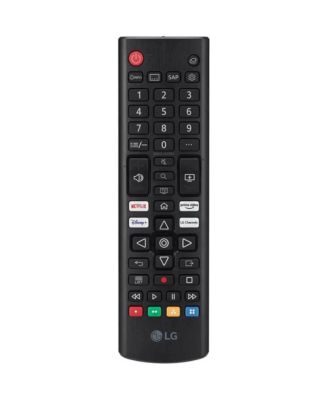
I am not picky when it comes to TV's. I have only ever bought the cheapest TV, as I don't care much about image quality (I don't notice). This TV infuriates me every second of my life. It is the slowest functioning system I can ever remember owning, even as a child in the early 2000's. It takes a solid minute to open any app you want. It asks for app updates every week. The remote is horrendous and you need lights on if you want to make sure you're clicking the right button because there are 25 buttons that are squished into one location. If you make a mistake with the button choice, it will take you at least 3 minutes to return to wherever you were. I had zero issues with my Roku TV, which my mom took for her basement when she bought me this "nicer" one for Christmas. DON'T BUY THIS THING.
Customer review from lg.com
Response from lg.com
LG Digital Care Team6 months ago
Hey Manuel! Thanks for sharing your LG UHD TV experience with us. We're always looking for the best ways to improve the functionality and speed of our displays and their accessories, so we appreciate your insightful feedback. If you notice that your LG TV takes a long time to open apps, it may be related to your network conditions. We recommend checking out our guide at https://spr.ly/6429ffDnc to get started. If you continue to experience general slowness, even when navigating menus, we recommend trying to factory reset the device back to its default settings. You can learn how to perform a factory reset at https://spr.ly/6420ffDnY. If you still need help, feel free to contact us at https://spr.ly/6421ffDnl or email us at lgdigitalcare@lg.sprinklrsupport.com with your contact info and model number. We'll gladly help out more! *Joseph
Give directions in English words!
Smart tv, but DUMB directions: Papers in English for privacy, safety and promo products, but directions, even using QR code for PDF have NO WORDS! Maybe that works for some people, but it is NOT easy. For instance, for 43" setup screws are shown as different, certainly no washers. After 45 minutes trying to remove washers, just used them and seems stable. But 2 remotes? I only got one and don't know if the 2nd is optional (dotted lines) but how will I change channels? LAME. It'd cost practically nothing to make this a used friendly set up.
Customer review from lg.com
Response from lg.com
Hello. Thank you for sharing your experience with your LG TV. We appreciate you taking the time to describe what happened during setup, especially the difficulty with the word‑free instructions, the confusion around the screws and washers for the 43" model, and the uncertainty about the second remote shown in the guide. Your feedback about how the setup materials could be more user‑friendly is important for us to review so we can look more closely into the specifics of your model. To allow us to properly investigate the details of your specific product model and to see if there is anything we can do to assist with this setup‑instruction and remote‑inclusion issue being encountered, please send us an email at lgdigitalcare@lg.sprinklrsupport.com if you need further assistance. You can also refer to this helpful link for reference on the specific issue you're encountering: https://www.lg.com/us/support/help-library/lg-tv-how-to-use-lg-channels--20150552982846 ^James