

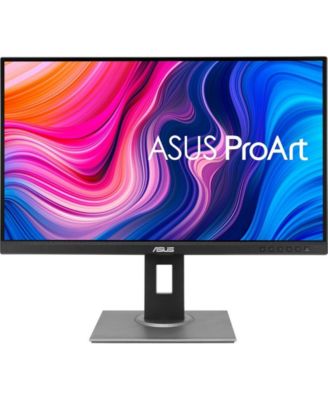
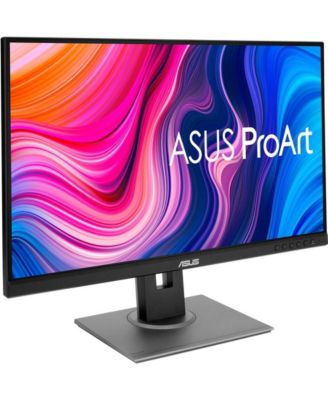
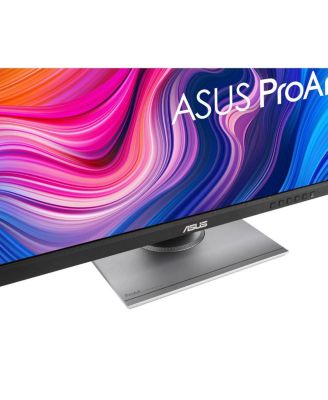
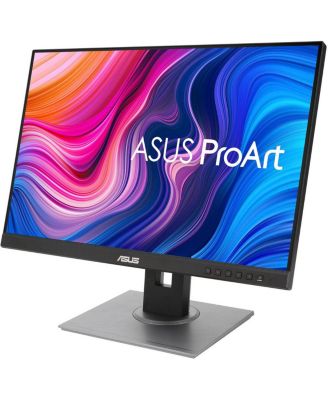
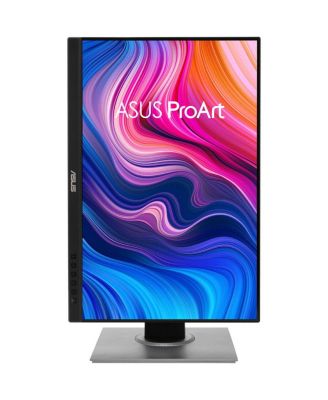
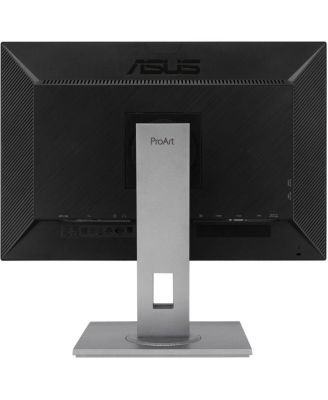
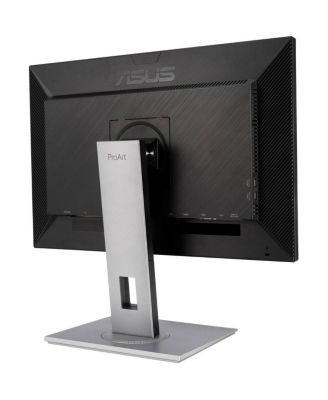
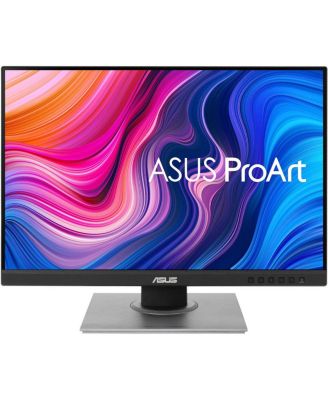
ASUSProArt PA278QV – WQHD 2560x1440, 100% sRGB/Rec.709, IPS, Calman Verified, Eye Care Monitor
Shipped and sold by Unbeatablesale Inc.
$307.44
Color:Black
Low Stock
Offers & perks
52/mo.* suggested payments for 6-months totaling $307.44 with Macy's Card.
Product details
Web ID: 1544790585 reviews
Checo
4 months ago from Canton, Ohio
Awesome monitor
Easy to install, very sturdy as well. Has all the movements you might need. Crisp and colorful images at high resolution. Even the sound is good. Upon registering my monitor I found there is a one year warranty against physical damage. I am happy with this monitor and recommend it.
Customer review from https://www.asus.com
SW922
4 months ago from Florida
Cool, sharp, sturdy
Easy to setup and the picture is very clear from my Asus laptop extended display. USB ports are well-placed but do not work if connecting via HDMI. Other reviews say to get the USB ports to work you need to connect with a lightning cable (not included).
Customer review from https://www.asus.com
Doop
5 months ago from Colorado
Worked fine for a while
Worked fine for seven months, the developed a serious flicker. Thought it was a bad HDMI cable, replacement didn't help. Now it's very expensive e-waste. I will be replacing with another brand
Customer review from https://www.asus.com
Response from https://www.asus.com
CLM5 months ago
Dear Doop, Thank you for your comment. We do understand your disappointment with this monitor and the inconvenience this may have caused if you started experiencing serious flicker after seven months of usage. This issue is not always a monitor issue. If you check another known good video cable, ensure the display port from your GPU is still working properly. If this has multiple ports, try another port to isolate the problem. Additonally, ensure your GPU is still working properly and running with the most current video driver. If these steps were performed to no avail, we recommend you send the product in for service to determine if this is a monitor issue so this may be resolved immediately. An RMA number is required to send it in for service. For RMA details, please go to: https://www.asus.com/us/support/article/818/. If you need more information or further assistance with the warranty for the product, please email me at cl-rodel@asus.com and I would be more than happy to help. Or, you are most welcome to call Product Support Hotline at: 1(888) 678-3688. Also, you can chat with an ASUS live support agent from the link: https://www.asus.com/us/support/article/1135/. Thank you for choosing an ASUS product. Regards, Rodel ASUS Customer Loyalty
kstamp05
6 months ago from Charlotte, NC
Great Monitor - but how do I use the speakers?
It's a wonderful monitor thus far, but I'm not sure how to make the speakers work. There's nothing in the manual to help.
Customer review from https://www.asus.com
Active user
7 months ago from East Coast
Good monitor terrible instructions
The monitor is great however setup and operating information is poor abd nonexistent.
Customer review from https://www.asus.com
External reviewer
7 months agoDisappointing
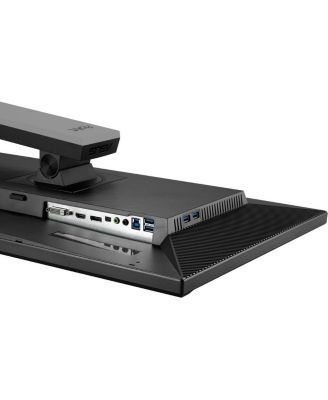
Honestly, the monitor is disappointing. The selection of available ports on the monitor are not the best and they all face a downward position, which means you have to lay the monitor flat on its face in order to see the ports. The built-in "controls" for the monitor are cumbersome to use. I'm using it with a Mac Studio and the HDMI connection took over ten minutes to be correctly identified by my Mac which has never happened before using other monitors. The connection also does not allow for control of brightness from the Mac. Also, getting audio over the HDMI connection was problematic and took 30 minutes to get it working. The audio output is also very weak.
Customer review from https://www.asus.com
Response from https://www.asus.com
CLM7 months ago
Dear Valued Customer, Thank you for your comment. We appreciate your feedback. Information coming from valuable customers, like you, will help us improve our future product offering and services. Should you need further assistance with the product, please email me at cl-rodel@asus.com and I would be more than happy to help. Or you are most welcome to call Product Support Hotline at: 1(888) 678-3688. Also, you can chat with an ASUS live support agent from the link: https://www.asus.com/us/support/article/1135/. Thank you for choosing an ASUS product. Regards, Rodel ASUS Customer Loyalty
DwayneC
8 months ago from Washington,DC
Clear beggings
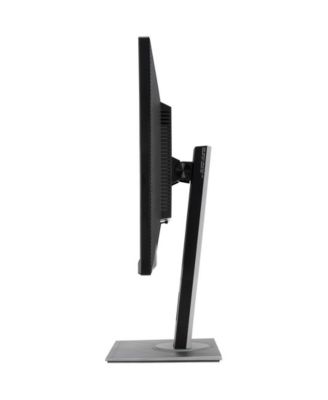
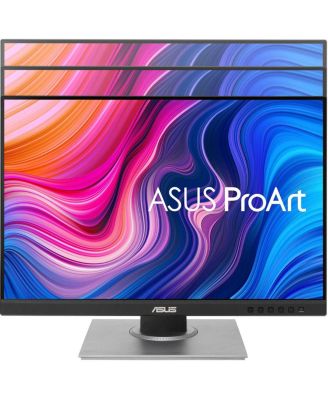
I love the ProArt monitor with the easy of the height adjustability,it's like butter. I was amazed that it could turn 90° and was like I don't remember reading about that in the description "wow" I can't wait to try and use that when we start making Tshirts. The swivel is nice as well, I don't need to turn the whole monitor around so folks looking can see. I need some practice using the features so I can get the best representation of color for my garments. Thanks ASUS
Customer review from https://www.asus.com
ProArt Display PA278QV Monitor
This monitor is great budget unit, colors are awesome, price is affordable
Customer review from https://www.asus.com