
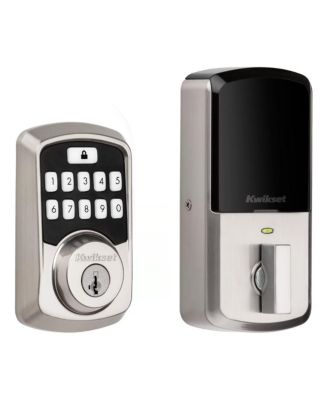
Aura Smart Lock Deadbolt in Matte Black
Product details
Web ID: 18426711Ratings & Reviews
7 customer images
Programming
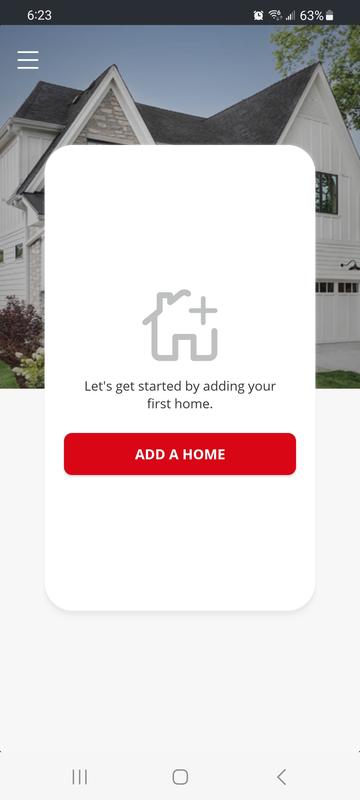
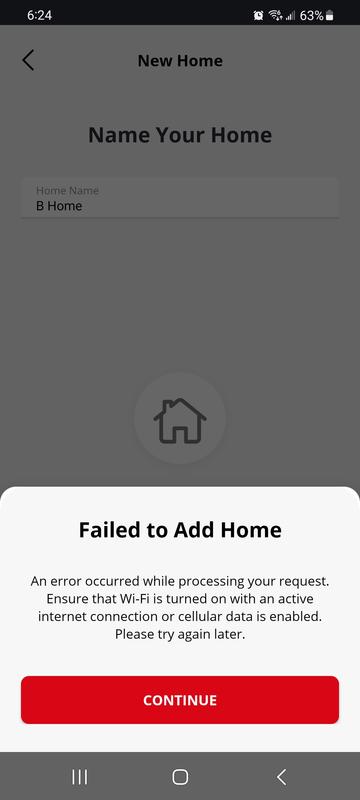
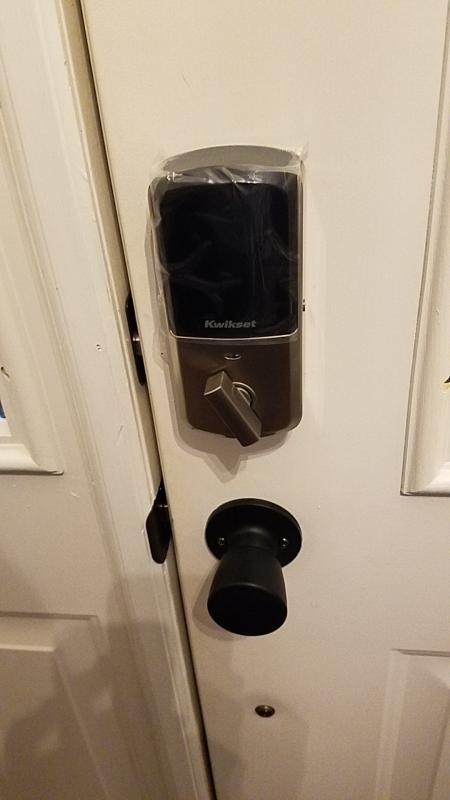
Programming worst so far site not clear how to just code lock
Customer review from kwikset.com
Response from kwikset.com
Hello, We’re happy to help! The Aura lock can be programmed using the Kwikset App. To set up Access Codes: 1. Download the Kwikset App and pair your lock: https://www.kwikset.com/smart-locks/app 2. Follow the programming steps outlined here: https://s7d2.scene7.com/is/content/Kwikset/Aura/App%20Tutorials/AddingAdditionalAccessCodes.pdf If you run into any issues, please reach out to us for personalized assistance: https://www.kwikset.com/support/customer-service Thank you, Kwikset
defective product
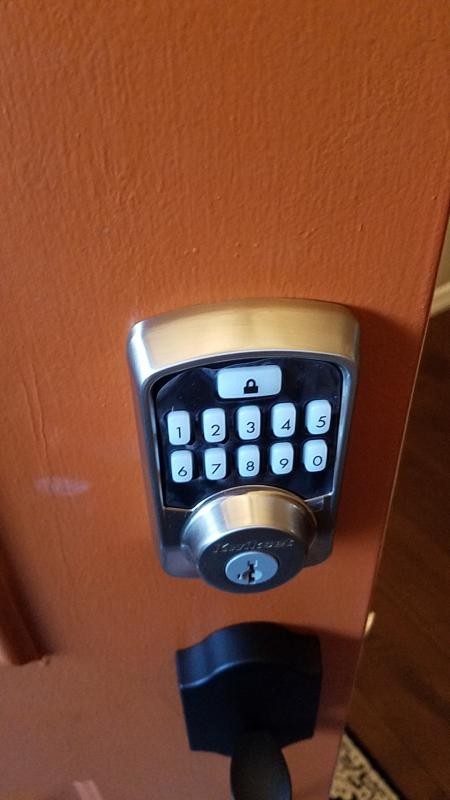
After removing old lock and putting in the Aura lock, it won't light up at night to put in code to open lock.
Customer review from kwikset.com
Response from kwikset.com
Hello Aura keyless lock, We’re happy to help! When returning home at night to a locked Aura deadbolt, press the lock button at the top of the keypad first. This will light up the numbers below, making it easier to enter your code. Thank you, Kwikset
Meh. It’s keyless. It locks, but isn’t a deadbolt.
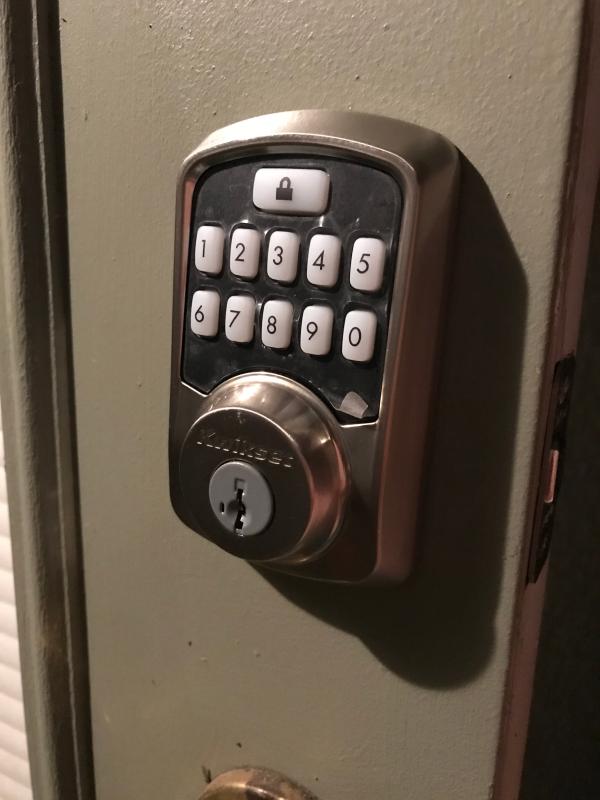
Like the keyless feature, but expected more. Product feels cheap and not secure. Batteries die easily and sometimes has issues due to extreme weather temps. Keypad does not reliably light when punching on numbers only after drinking lock button first. Screws work their way loose several times a year and need to be retightened.
Customer review from kwikset.com
Response from kwikset.com
Hello Bebuddhaful, Your experience with the Aura lock is very important to us and we're here to help you! To illuminate the keypad, you must push the LOCK button at the top of the keypad while the deadbolt is in the Locked position. All the buttons on the keypad will then light up to enter your access codes. To improve the battery life, please follow this link for helpful tips: https://www.kwikset.com/support/answers/how-can-i-extend-the-battery-life-of-my-smart-lock Thank you, Kwikset
Range is poor
I bought this lock 4 months ago . The hardware and installation was good.the problem is software (Bluetooth). You have to be direct view of the lock to work. No walls or glass in front of you. The range of the lock is 1-15 feet. I called twice to get help . The fist time they told me to re-set. Then, I was told to re-do the software. That didn’t not work so they sent me a new electronic gut for the lock. It was still the same (1-15ft)range. I gave up. Don’t buy it, doesn’t have the 100 foot range.
Customer review from kwikset.com
Response from kwikset.com
Hello Bramo04, Thanks for taking the time to share your experience. To help improve your Bluetooth connectivity to the Aura, please make sure to update your Kwikset app to version 2.3. Next, go to your Kwikset app's lock settings screen and check for a firmware update. Ensure your lock is listed under your phone's Bluetooth device list before starting the update. If the update is available, please start the update and keep your phone near the lock until it's complete. Should you need any further troubleshooting support, we are happy to help you further here: https://www.kwikset.com/support/customer-service Thank you, Kwikset
Bluetooth terrible
Bluetooth pairing is terrible and installation instructions lack key board code programming steps come on Kwikset get with the tech or don’t offer the product
Customer review from kwikset.com
Response from kwikset.com
Hello Bob oo, The Kwikset App is needed to program the access codes on the Aura lock. After the lock is paired to the app, please follow these steps to program the Access Codes: https://s7d2.scene7.com/is/content/Kwikset/Aura/App%20Tutorials/AddingAdditionalAccessCodes.pdf Thank you, Kwikset
Returning it
Bought this lock simply because it was on sale and I could use the key pad to unlock the door. I could care less about the blue tooth feature. Come to find out after installing this junk there is no manual way to program. You are forced to use the app and forced to set up an account and share your email. How on earth do you create a product that can’t be programmed without using an app or Bluetooth. It has a program button on the back. Some of Their other locks do it. Now I have to take this off and return it. What a waste for such a simple feature.. manual programming for us simple people
Customer review from kwikset.com
Response from kwikset.com
Hello Mike1928, As you mentioned, the Aura Bluetooth lock is intended to work with the Kwikset app, however, we do offer many stand-alone lock models that can be programmed without an app. Here's a link to these models: https://www.kwikset.com/products/electronic/keyless-entry Thank you, Kwikset
Super easy to install and use.
Installed on my old home and love how easy it is to use. My teenager installed and programmed! Love not using keys. Recently moved and bought 2 more (identical) for the new home and shop.
Customer review from kwikset.com
I bought this lock 2 years ago , and goykd not be happier. I love it auto locks after 10 minutes if i forget to lock it
Customer review from kwikset.com