
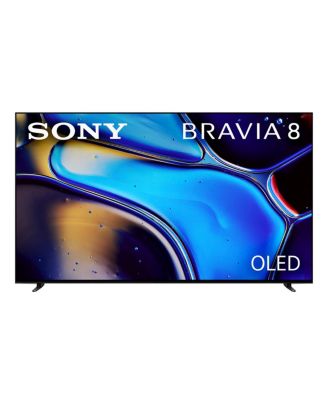
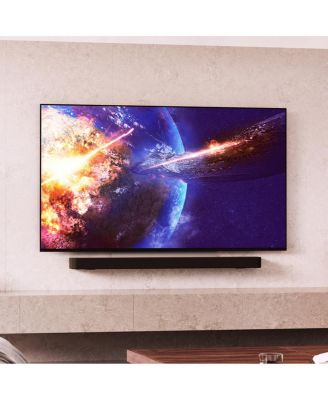
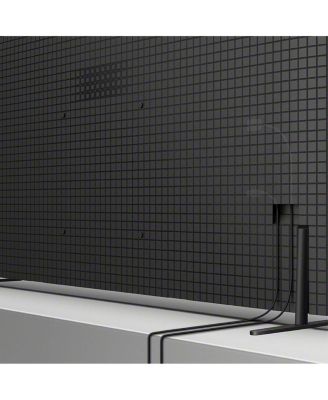
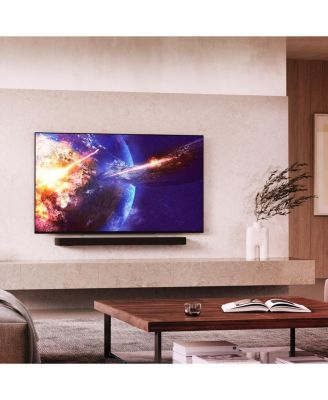
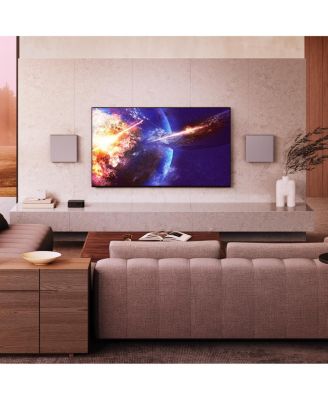
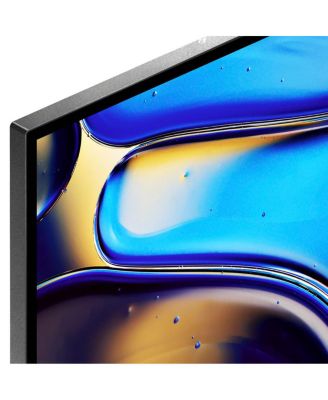
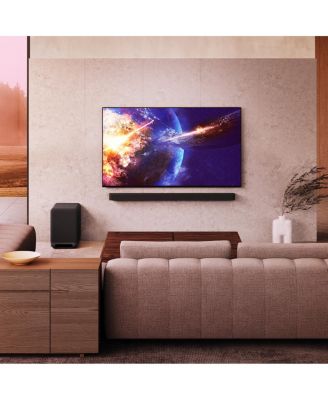
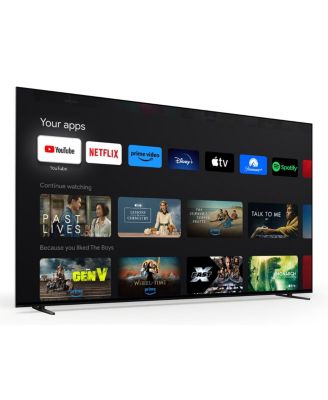
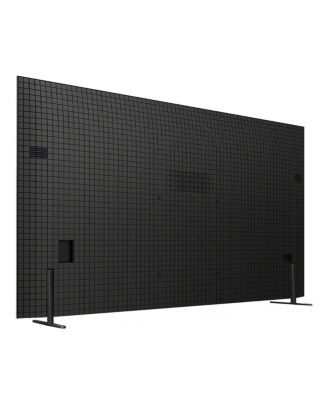
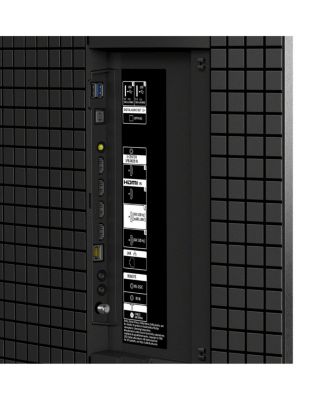
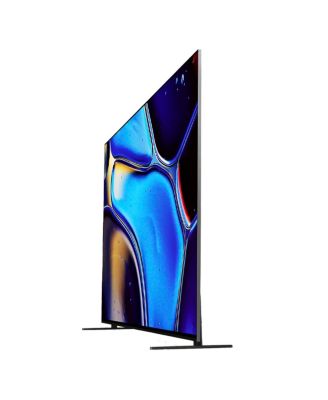
SonyK55XR80 BRAVIA 8 55" 4K OLED Smart TV
Shipped and sold by Walts TV
Limited-Time Special
$1,398.00$1,398.00
Color:Black
117/mo.* suggested payments for 12-months totaling $1,398.00 with Macy's Card.
Product details
Web ID: 18806868415 reviews
The Hairy
5 days agoAll About the Picture Quality
After my Sony XF9005 died I bought this after reading reviews. Wow, picture quality is quite simply stunning. Sound is more than satisfactory and the apps work flawlessly. Plenty features and more than enough inputs.
Customer review from sony.com
PaulVg
5 days agoAmazing OLED TV with 77inch of beautiful image
I bought this a month ago and the experience has been amazing! After trying many competitors, I have found that this Sony is truly un-matched in black definition. The sound is excellent and the way in which image is shown just makes us feel like its a cinema experience
Customer review from sony.com
Les07
5 days agoGreat Tv
Excellent picture and sound more than happy with this Tv
Customer review from sony.com
MPsouth uk
6 days agoGood but no Freesat.
Generally very pleased. Easy setup and user interface is clear. Disappointed that Sony no longer offers Freesat and one is left with General satellite which is poor by comparison. Our freeview signal is erratic and so Freesat was much superior.
Customer review from sony.com
Response from sony.com
Sony UK5 days ago
Hi, Thank you for your feedback. We're happy to hear that you're enjoying your K-55XR80. Yet, we're sorry to learn that you're facing difficulties with your TV signal. Please follow the steps in the following link to measure and improve your TV reception signal strength: https://cutt.ly/FtWkgk18 Additionally, we appreciate your feedback regarding the Freesat compatibility. Hearing from our customers helps us continuously improve our products to align with your preferences. Rest assured that we've raised it to the concerned team for future consideration. Furthermore, if any further assistance is needed, feel free to contact us using this link: https://cutt.ly/heoRCkdW (Copy and paste the links in your browser). Menna @Sony Support UK
chri5p
6 days ago from Kent
Gloss screen a disappointment
Great picture and sound, but disappointed with the relflection from the shiney screen during the day which distracts from the overall experience.
Customer review from sony.com
Response from sony.com
Sony support team5 days ago
Hi, Thank you for your feedback. We are happy to hear that you're enjoying the picture and sound quality of your K-55XR80. Yet, we are sorry to hear that you're experiencing reflections on the screen. This is not the experience we aim to provide, as we continuously strive to deliver the best possible quality. Please follow the below instructions: 1. Avoid placing the TV directly opposite a window. 2. Ensure Ambient Optimisation Pro is turned on as it automatically optimises the picture’s brightness based on ambient light conditions to reduce glare and improve visibility: https://cutt.ly/YtWjaevR 3. Adjust the picture settings and brightness by following the steps here: https://cutt.ly/vr3eZIXR If you need any assistance, do not hesitate to contact us using the details provided in the following link: https://cutt.ly/heoRCkdW (Copy and paste the link into your browser) Nadine @Sony Support UK
Pol 76
7 days agoBest
Sony is best all ways I really recommend best product so far I have
Customer review from sony.com
RS350M2
8 days agoSony Bravia 8A
Bought the TV last month and it is excellant, however I,m having some trouble with the media player SD card in Sony memory card readervia USB. It shows photo thumbnails great but when I press to see a photo full size sometimes all I get is a row of horizontal stripes. Any assistance would be greatly appreciated. Apart from that it,s a great product.
Customer review from sony.com
Superb TV
Excellent picture, interface is good over all . Very little motion blur and pros best in lower light.
Customer review from sony.com