
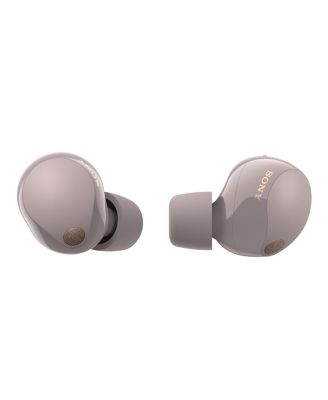
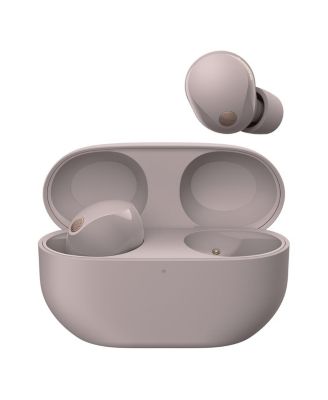


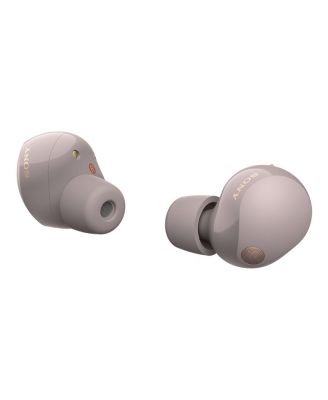
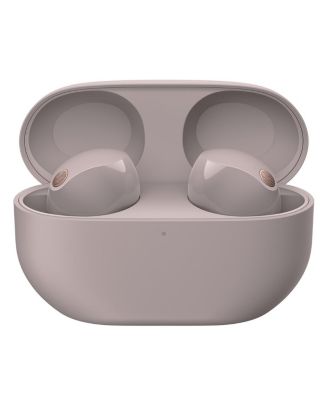
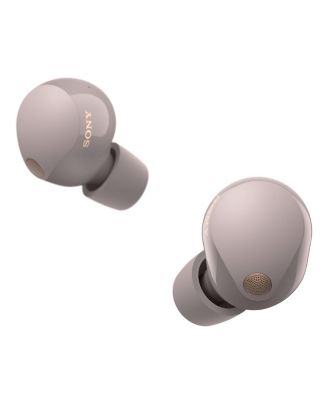
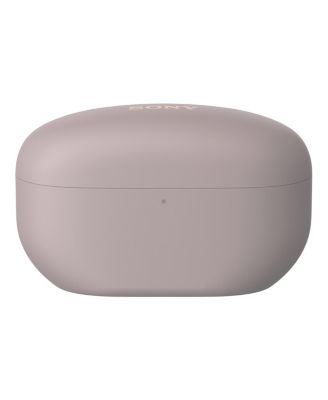
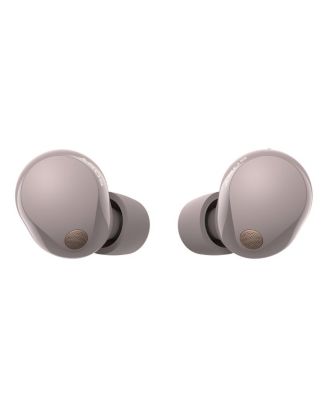
SonyWF-1000XM5 Truly Wireless Noise Canceling Earbuds
Shipped and sold by World Wide Stereo
Limited-Time Special
$248.00 (24% off)$328.00
Color:Pink
Offers & perks
3x Star Rewards Points
See offer details
6-month financing with Macy's Card.
Product details
Web ID: 168824911,413 reviews
Andrewlmt
5 days agoGreat product
Cancells all noise from my open office, now I can work with peace.
Customer review from sony.com
External reviewer
7 days agoCan be better
I’ve always trusted Sony for its sound quality, and I must say the audio performance of these earbuds is truly incredible. That’s why I was so disappointed when, after only three weeks of use, the right earbud started turning off on its own. I have to keep placing it back in the case just to power it on again, and even then it only works for a few minutes before shutting down. This product is not cheap, and I chose Sony because I believed in the brand’s quality and reliability. I stay in the west, and traveling all the way to the service center at 313 is quite inconvenient for me. I sincerely hope Sony can look into this issue and provide support or a solution. I really love the sound and would like to continue using and recommending Sony products with confidence.
Customer review from sony.com
Pcong
8 days agoGreat performance
Perfect product that ever I seen and function good
Customer review from sony.com
Lazar68
13 days agoBest of the best.
These earbuds are truly amazing, paired with my Sony experia 10 vii they sound really good , to be honest they do really well with every type of music and that's what I was looking for.
Customer review from sony.com
langspoon
14 days agoticketyboo
Received as a present to match my new music player. All ticketyboo so far need to get the app to broadden my usage horizon.
Customer review from sony.com
Tree45
14 days agoVery disappointed!
My experience with the headphones was bad. It was the opposite of what I saw in that videos. I had high expectations but it didn't work how it was supposed. It does have goos noise cancelation but when I talk the people on the other line couldn't hear a word I would say. It all came out muffled. It isn't practical to raise and lower volume, and what makes irritated is that I cant track them if they were to get lost which happened already once. I downloaded three different apps just to see which one was compatible with it and a way to track it but nothing worked. Overall, since they were sony i thought they'd be good but it looks like apple and Samsung are way better then the Sony wf-1000xm5
Customer review from sony.com
Response from sony.com
Sony North America Support15 days ago
Hi Tree45, We are sorry to hear that the WF-1000XM5 did not meet your expectations, especially regarding call quality and tracking. To ensure the best microphone performance, we recommend checking that the earbud tips provide a secure, airtight seal using the "Determining the Optimal Earbud Tips" test in the Sony | Sound Connect app. Additionally, please ensure your firmware is updated to the latest version, as we frequently release improvements for voice clarity. For volume control, the WF-1000XM5 uses a "continuous tap" system: quickly tap the right earbud four or more times to increase volume, or the left earbud to decrease it. Regarding tracking, these earbuds support Google's Find My Device on Android; once paired via Google Fast Pair, they should automatically appear in that app for location tracking. We would like to help you resolve these issues—please reach out to our support team so we can assist you further. Thanks for choosing Sony. Best regards, Eliab
Friarwalk14
16 days agoFaulty product, terrible service
I bought this product, it broke after 5 months, right ear bud stopped charging. Took 8 weeks to get a replacement. Replacement broke 2 weeks later. Very disappointed
Customer review from sony.com
Response from sony.com
Sony support team14 days ago
Hi, Thank you for your feedback. We’re sorry to hear that you've been experiencing difficulties with your WF-1000XM5. This is certainly not the experience we aim to provide, as we continuously strive to deliver the best possible quality. If you face a similar issue in the future, we recommend following the below instructions: 1. Try different chargers. 2. Charge the headset using different devices, such as a PC or a laptop. 3. Ensure that the headset is updated: https://cutt.ly/otWUkrQf 4. Reset the headset by following the steps here: https://cutt.ly/7tWUkckp 5. Initialize the earbuds: https://cutt.ly/TrJZnMzr If you need any further assistance, do not hesitate to contact us using the details provided in the following link: https://cutt.ly/heoRCkdW (Copy and paste the link into your browser) Nadine @Sony Support UK
Prefer my old Jabra set that died from over work
These are ok. The sound optioms are great but I don't find the noise cancelling to be effective and none of the ear plugs feel comfortable. Feel like I'm committed now due to price and hardly able to return them having been in my ears trying to get used to them.
Customer review from sony.com