

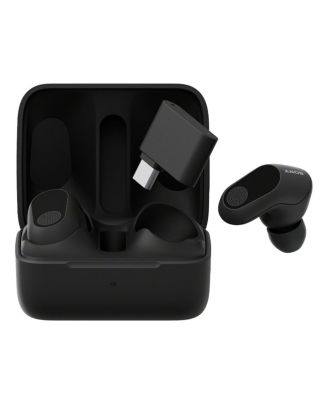
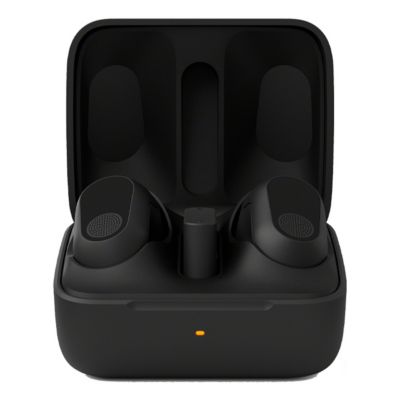
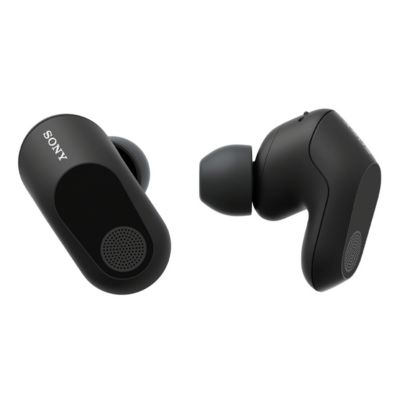
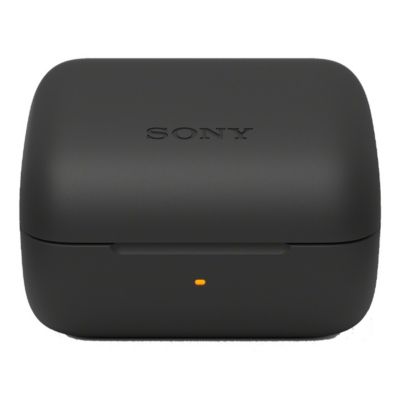

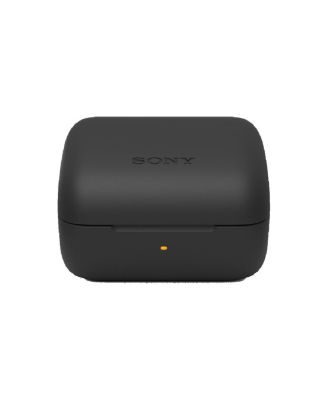
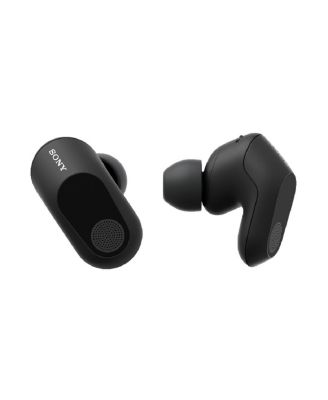
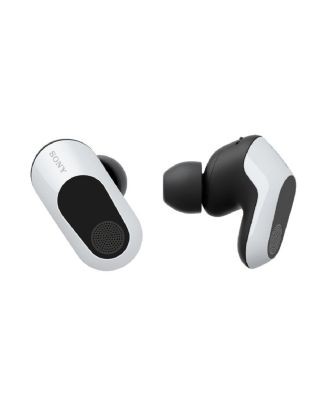

SonyINZONE Buds Truly Wireless Noise Cancelling Gaming Earbuds
Shipped and sold by Focus Camera
$218.00
Color:Black
Offers & perks
6-month financing with Macy's Card.
Product details
Web ID: 17949094Discover more options
Sponsored
- Limited-Time Special
- Limited-Time Special
- Limited-Time Special
 Limited-Time Special


54 reviewssorted by Newest
MarvsCute
29 days agoGreat IEMs for FPS!
It's great for FPS games and hearing footsteps, great noise cancelling feature too. My only gripe with it is that instead of percentage, I get "bars" for the battery levels of each headset as well as for the charging case.
Recommends this product
Customer review from sony.com
Dave Leavers
2 months agoAmazing Ear Buds
These are amazing. They are very comfortable and the sound is immense. The noise cancellation works well too!
Recommends this product
Customer review from sony.com
External reviewer
3 months agoNEED A RETURN
I bought this 2 months ago and they were working fine till just two days ago that my right pod wasn’t working anymore
Customer review from sony.com
Response from sony.com
Sony North America Support3 months ago
Hi there, We apologize for the sudden issue with your WF-G700N right earbud after only two months. Since the right earbud isn't working, please try this troubleshooting step: 1. Connect the USB transceiver to a computer, PS5, or USB Type-C compatible smartphone. 2. Set both headset units correctly into the charging case and leave the charging case lid open. 3. With the charging case lid open, press and hold the pairing button of the charging case for about 5 seconds or more. The headset goes into pairing mode and the indicator (blue) on the charging case repeatedly flashes twice in a row. 4. Press and hold the connect button on the USB transceiver for about 5 seconds or more. Press the connect button with an object with a thin tip that will not break, like a paperclip. The USB transceiver goes into pairing mode, and the connection indicator (white) on the USB transceiver repeatedly flashes twice in a row. 5. Remove both headset units from the charging case and then put the headset units into your ears. When pairing is complete, a notification sound is emitted from the headset and the connection indicator (white) on the USB transceiver lights up. If the right pod still fails to produce sound after that, please contact our dedicated support team, as your headset is still within its warranty period, and we'll ensure you get a working pair. Thanks for choosing Sony. Best regards, Eliab
Amdryl
4 months agofrom MI
Can't decide
Fantastic earbuds until they weren't Lasted about a year before beginning to have somewhat frequent pairing issues requiring the case to be reset. Now, the left earbud no longer charges. Can't decide if I want to buy another pair
Customer review from sony.com
Response from sony.com
Sony North America Customer Support4 months ago
Hi Amdryl! Thank you for taking the time to share your feedback and experience with the INZONE Buds. We're happy to hear you found them to be fantastic while they were working, but we certainly regret the recent charging and pairing issues you've encountered. We understand how frustrating it is when a product doesn't perform consistently over time. We'd like to offer a few steps that often resolve these kinds of connectivity and charging problems before you decide on a new purchase: 1. Ensure the metal charging contacts on both the left earbud and inside the charging case well are clean and dry. Dust, sweat, or oils can sometimes create an invisible barrier. Gently wipe them with a clean, dry cotton swab. 2. Perform a full system reset on the buds by following the instructions in the link below: https://helpguide.sony.net/mdr/2977/v1/en/contents/TP1001273100.html?search=reset%20 3. Connect the buds to the INZONE Hub software on your PC and verify that the firmware is fully up-to-date. Sometimes, an update can improve charging and connection stability. If these troubleshooting steps do not resolve the issue with your left earbud not charging, we recommend contacting our technical support team. They can provide advanced diagnostics and explore warranty or service options based on your purchase date. Please reach out to them directly here: https://us.esupport.sony.com/support/s/support-contact?language=en_US&category=headphones Thank you for considering Sony products! Best regards, Dominick
King_Arin
4 months agoGood sound, good battery, quick charge
Bought this a month ago and it been my daily use for gaming. Very good audio quality in both PC and PS5 and its feels better than wearing a headphone.
Customer review from sony.com
NonAvailable
8 months agoGreat buds for gaming and music!
Been using this buds for horror games. Very satisfied
Customer review from sony.com
Zann H
8 months agofrom Singapore
Long hours comfort
Never liked headphones(on/over ear) especially for long hours when u're travelling or gaming. This is the perfect companion. U hardly even notice its there. And lets not forget the amazing sound quality! And that long battery life... is the cherry on top.
Customer review from sony.com
Great gaming earbuds
Great gaming earbuds. Low latency, good quallity, great sound (with some tuning)
Customer review from sony.com